How to Play Co-op in PC Store Together
Connect on Steam, match versions, keep the floor moving, and smoke-test after every patch.
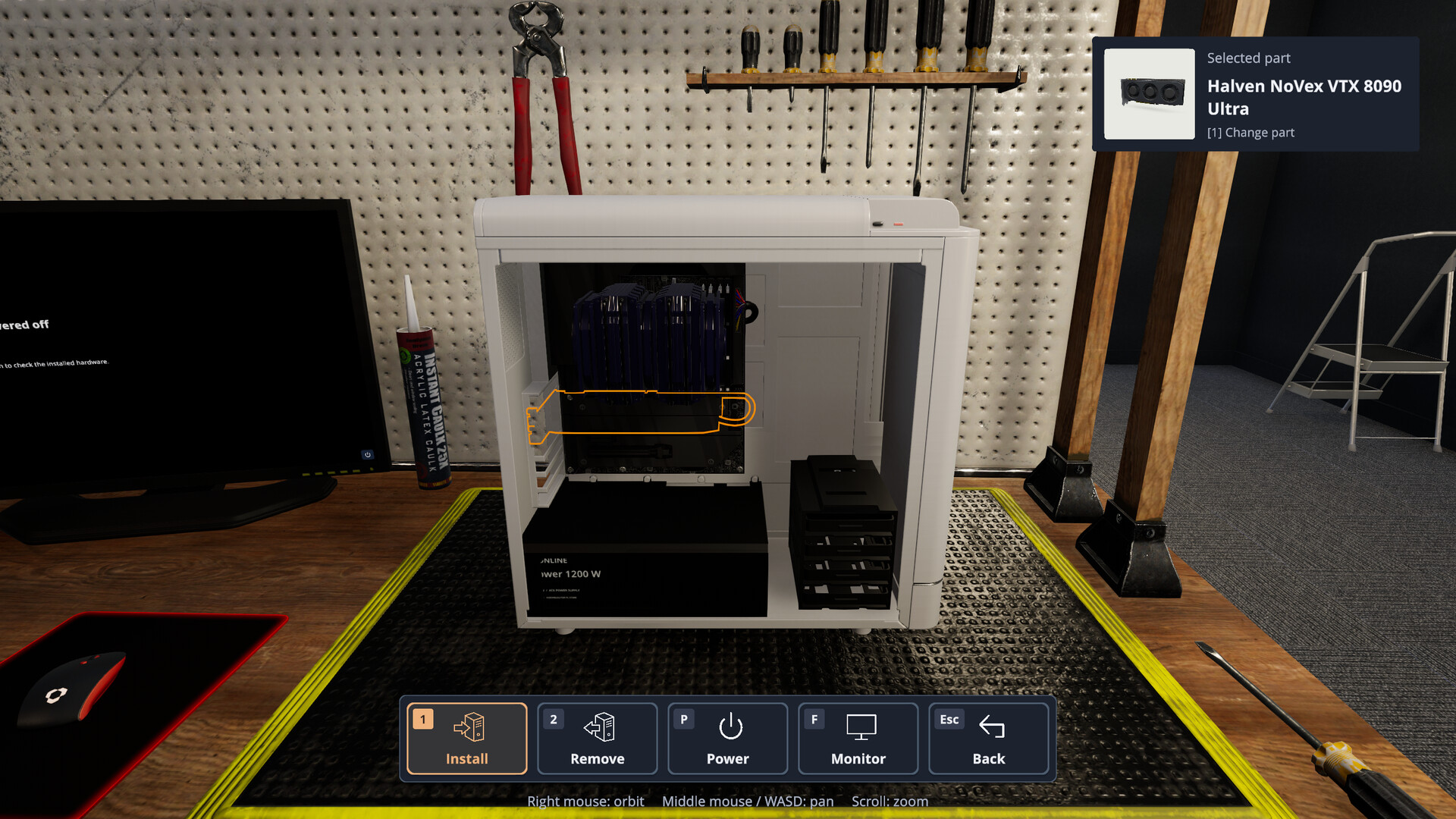
PC Store Together ships with full online co-op for 1–4 players from the first minute. There is no solo-only career gate and no late multiplayer unlock. Solo is still fully supported if you want a quiet shift, but this guide is about getting friends into the same shop and keeping the session stable.
Use this page for how to connect and session habits. For who builds, who repairs, who owns the register, and who buys stock, read Co-op Roles and the Players Hub. Systems primers live on Getting Started, Controls, How to Build PCs, How to Repair, and Store Management. Patch context sits on Patch Notes and the Performance Update and the Updates Hub.
The game is a Windows Steam title (app 4990940) from Sykes Games & Nightmare Studios, released November 24, 2026. Regular price is $12.99, with a launch −15% intro offer through December 1, 2026. Official destinations and Discord live on Links.
Co-op is available immediately
When the store opens, multiplayer opens with it. You do not grind a singleplayer chapter to “unlock friends.” Invite up to three other players into the same floor: shared benches, shelves, customers, and chaos. That early access is the whole point of the Together pitch—treat day one as a crew shift, not a tutorial lock.
If someone in your group still needs onboarding, send them Getting Started before the invite. Knowing the install order and diagnose-first repair loop prevents four people from inventing four different standards at the same bench.
Host and join (Steam multiplayer, no invented button names)
PC Store Together uses Steam multiplayer. Exact in-game menu labels can shift with patches, so this wiki does not invent lobby button names. Use this reliable pattern instead:
- Everyone updates the game in Steam before you gather.
- One player becomes the host and starts (or continues) the shop save from the in-game multiplayer / session menus.
- Friends join through Steam (friend invite / Join Game style flows) or through whatever join path the current in-game multiplayer menu exposes.
- If Steam Overlay join fails, retry from the in-game multiplayer menus, then from the Steam friends list again after a full client restart.
- Confirm everyone loaded into the same shop floor before you start moving stock or ending the day.
Privacy and firewall quirks still matter: friends-only Steam settings, overlays disabled by accident, and strict NAT can look like “the game is broken.” Rule out Steam presence first, then check Discord for live LFG tips (discord.gg/PmEpG7cM58).
Match versions before you blame the network
Hotfix Update — Second Community Bug Fixes (launch day) made version mismatches readable:
- The game version now shows in the top-right of the main menu and in the Esc menu.
- Joining someone on a different version now tells you who needs to update (host outdated vs you outdated) instead of failing silently.
- Both players can still play their own games while they update—you are not soft-locked out of solo.
Before every multiplayer night, compare the version string on every machine. If they differ, update Steam, verify files if needed, relaunch, and only then invite. Silent desyncs waste more time than a two-minute update check.
“Unable to connect” and Automatic region selection
The later Major Optimization Fixes post explicitly fixed an issue causing the “Unable to connect” error when hosting or joining a multiplayer session using Automatic region selection. That bug hit players across multiple regions, not only one country.
If you still see connect failures after updating:
- Confirm the version strings match (section above).
- Retry host/join once with a clean Steam restart.
- If Automatic region was previously flaky for your group, try again on the patched build before changing unrelated router settings.
- Document whether the failure is host-side, joiner-side, or both, then report via Discord listed on Links.
Do not assume a dead bench or a bad save first—connection errors are a networking/version problem until proven otherwise.
Day-end and spawn habits from Hotfix 2
Two co-op quality-of-life changes from the same second hotfix matter every session:
- Any player can end the day, not just the host. Agree in voice who calls “close shop” so nobody ends the day mid-handover.
- Players no longer spawn blocking the delivery truck. Idle standing at day start used to block deliveries; that spawn path was fixed. Still, clear the delivery area out of habit—cartons and bodies in the wrong place still create comedy.
Ending the day is a crew decision now. Call it out, finish the active sale or repair handoff, then close.
Session habits that keep shops solvent
Voice chat. Text spam loses to spoken socket families and PSU wattage. Use Discord voice (discord.gg/PmEpG7cM58) even if you also use Steam voice.
Shared-bench etiquette. When two people touch one PC:
- Announce what you are about to unplug.
- One person owns power-on.
- One person reads the Build Checklist aloud.
- Hand parts intentionally—do not yeet GPUs across the floor.
Role split is social, not hardcoded. Soft roles (builder, repair tech, register, buyer/floater) live on Co-op Roles. This page gets you connected; that page keeps four screwdrivers from fighting over one tower.
Cash agreements. Before rush hour, agree a minimum cash reserve, who can clear-price a custom PC, and whether rare GPUs are reserved for tickets. Margin thinking pairs with Store Management.
Host performance matters
The host machine simulates the busy floor. Launch-week posts (Major Optimization — Performance Update and Major Optimization Fixes) targeted stutters, texture memory, autosave hitches, and shop-floor CPU load. If your host hitching makes dual-bench play miserable, update, retest, and skim Patch Notes plus the Updates Hub before rewriting your whole role split.
Prefer the strongest PC as host when three friends join. Joiners still need a stable client, but host frame time decides whether customers, cartons, and saves feel smooth for everyone.
Smoke-test after every patch
After downloading a hotfix or optimization update, run this five-minute loop before inviting the full squad:
- Join — host a fresh session and have one friend connect.
- One build — complete a known-good tower using How to Build PCs and the Build Checklist.
- One repair — finish a diagnose-first job from How to Repair.
- One sale — take payment / hand off a finished machine so register flow still works.
- Optional day-end — confirm a non-host can end the day if you plan to rotate that duty.
If any step fails, stop, note version strings, and check Patch Notes before blaming player skill.
Recommended co-op night order
- Update + match versions.
- Host on the strongest box.
- Assign soft roles from Co-op Roles.
- Open voice on Discord.
- Smoke-test join → build → repair → sale.
- Run the shift; restock from Store Management rules.
- End the day on purpose, not by accident.
For a visual pass of shop energy, the mid-article video (I Opened a PC Repair Shop | PC Store Together by MistaH1N1) shows co-op-friendly floor chaos without replacing the Steam news facts above.
Host hitching after a patch? Read the Performance Update before blaming your role split. Comfortable binds for every crew member live on the Controls guide.\n\n## Related reading
- Wiki overview — big-picture systems
- Players Hub — people-focused co-op map
- Guides Hub — all how-tos
- Links — Steam news, Discord, store page
Connect cleanly, match versions, keep voice on, and let roles—not random collisions—run the shop.
Frequently Asked Questions
Quick answers for shop owners and co-op crews.
Do I need to unlock multiplayer in PC Store Together?
No. Full online co-op for 1–4 players is available from minute one. There is no solo-only career gate. Solo play remains fully supported if you prefer running the shop alone.
Why can’t my friend join my shop?
First match game versions—Hotfix 2 shows the version top-right on the main menu and in the Esc menu, and mismatch joins now say who must update. Then retry Steam invite / in-game multiplayer join after a Steam restart. Major Optimization Fixes also addressed Unable to connect errors with Automatic region selection across regions.
Can only the host end the day?
No. Since Hotfix Update — Second Community Bug Fixes, any player can end the day. Agree in voice who calls close so you do not cut a sale or repair handoff short.
Where should we assign jobs once everyone is connected?
Use the Co-op Roles guide for builder, repair tech, register, buyer, and floater duties. This How to Play Co-op page covers connection and session habits; roles cover who does what on the floor.
What should we test after a patch before a full co-op night?
Smoke-test join, one complete build, one repair, and one sale. Optionally confirm a non-host can end the day. Check Patch Notes if any step fails after updating.